Figma banner system
We were producing banner sets for Marionnaud across eight language markets, rebuilding the same layouts in Photoshop every time. An export took long enough that people would go and make a drink while they waited. It was slow, repetitive work, and I had a feeling there was a better way to do it.
Project summary
The problem
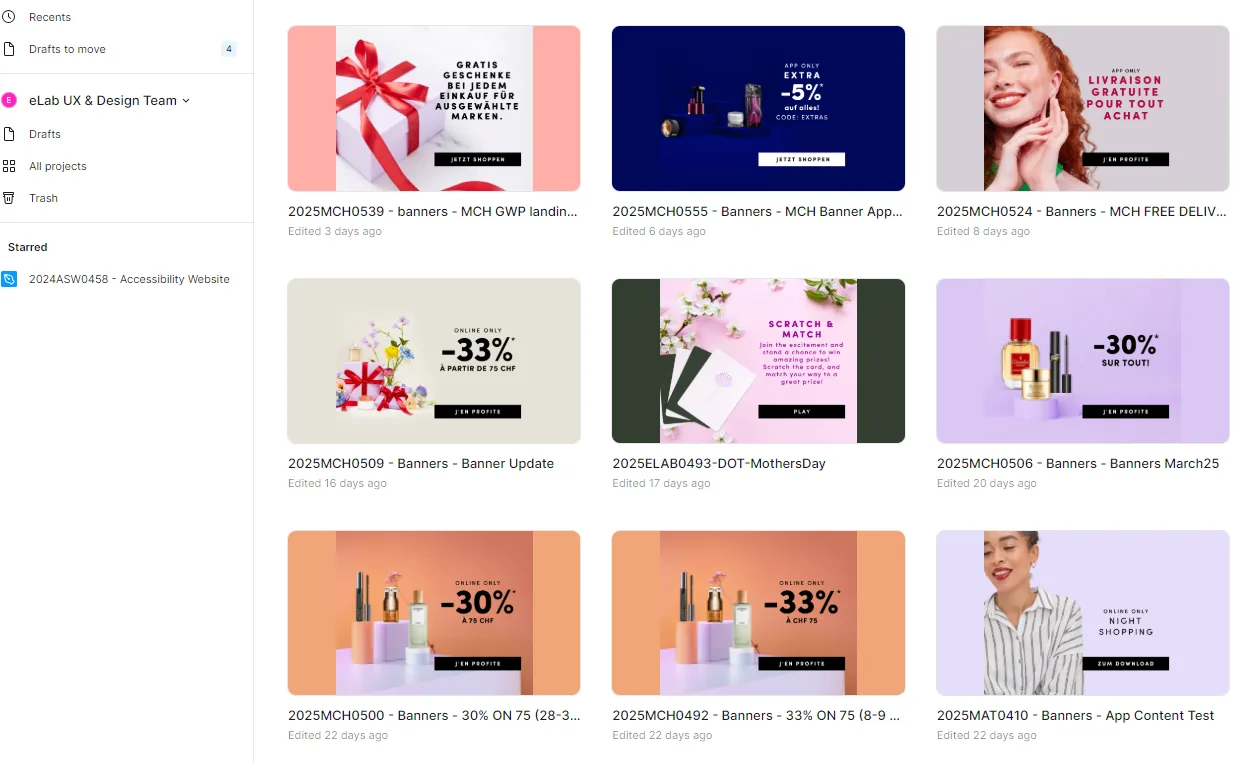
Marionnaud France produced the master creative and we replicated it by hand for every other market. Each one meant opening a 230MB Photoshop file and rebuilding the same layouts in another language.
The solution
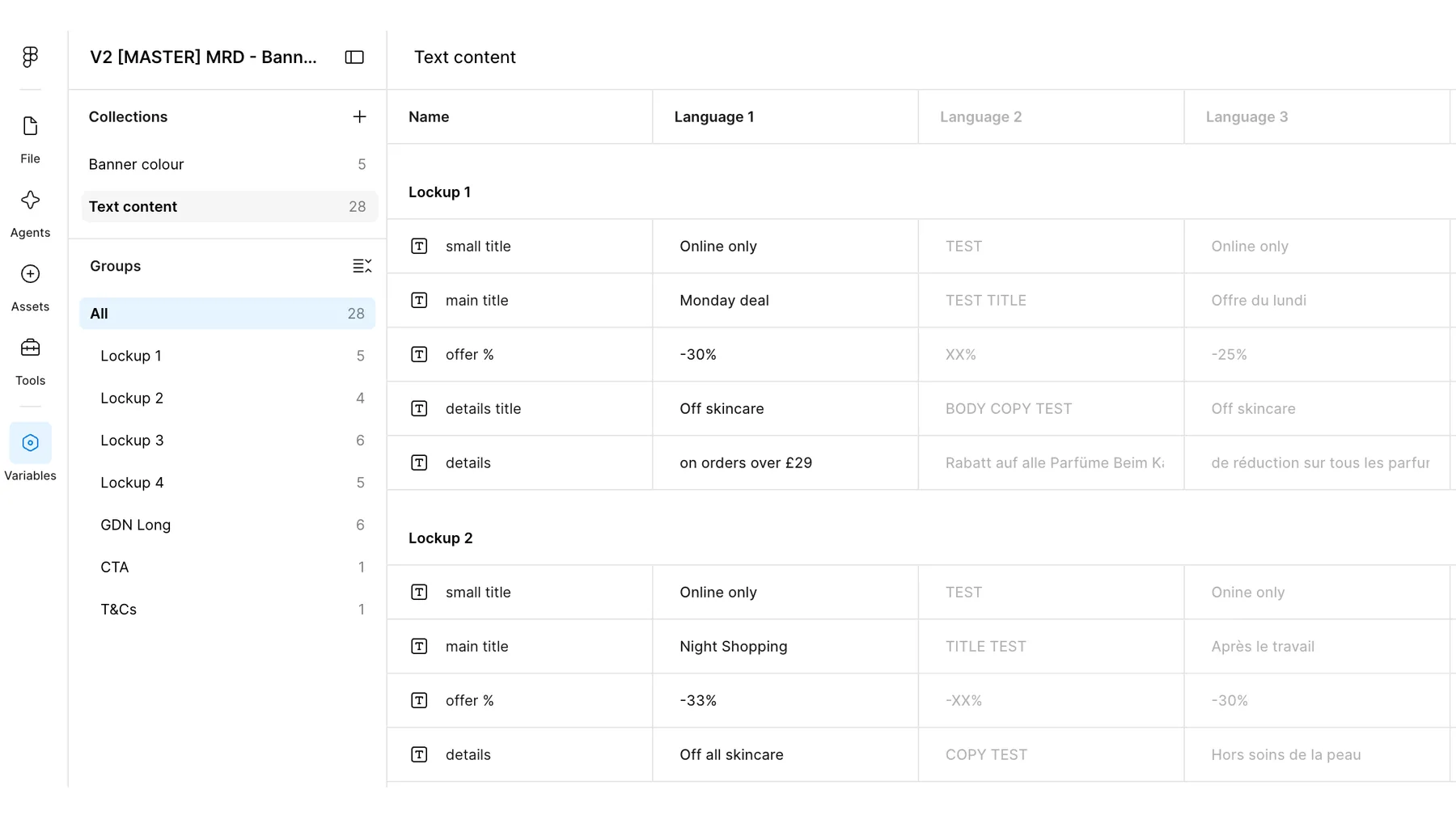
A single Figma master template built with auto layout, components and variables, so one file could drive every market, switch between languages, and let designers flip the text between light and dark with a toggle.
The results
- 40 minutes to under 2, timed on the same set
- 91% faster to export a banner set
- 230MB to 4MB file sizes
- 8 markets on one template
01 - The problem
The same banner, rebuilt eight times
Every step dragged. Moving groups of layers lagged, editing copy meant going in and out of smart objects, and exporting forty to fifty artboards took long enough that people went to make a drink or took their lunch while it ran. It also pinned their machines, so nothing else got done in the meantime. None of it was anyone's fault, it was just how banner production had always been done. But it was slow, it was repetitive, and it was quietly eating a large share of the team's week.
02 - The build
One master to control all
I had been using Figma alongside Photoshop and kept noticing that auto layout solved the exact thing that made Photoshop slow. Elements could reflow while the layout held its structure, instead of being nudged into place by hand. From there it became a question of how far I could push the idea. Components combined with variables meant one template could hold every language and switch between them. I set the colours up the same way, so if a designer was working with a darker banner they could switch the text and buttons over to a light version with a toggle, rather than restyling everything by hand.
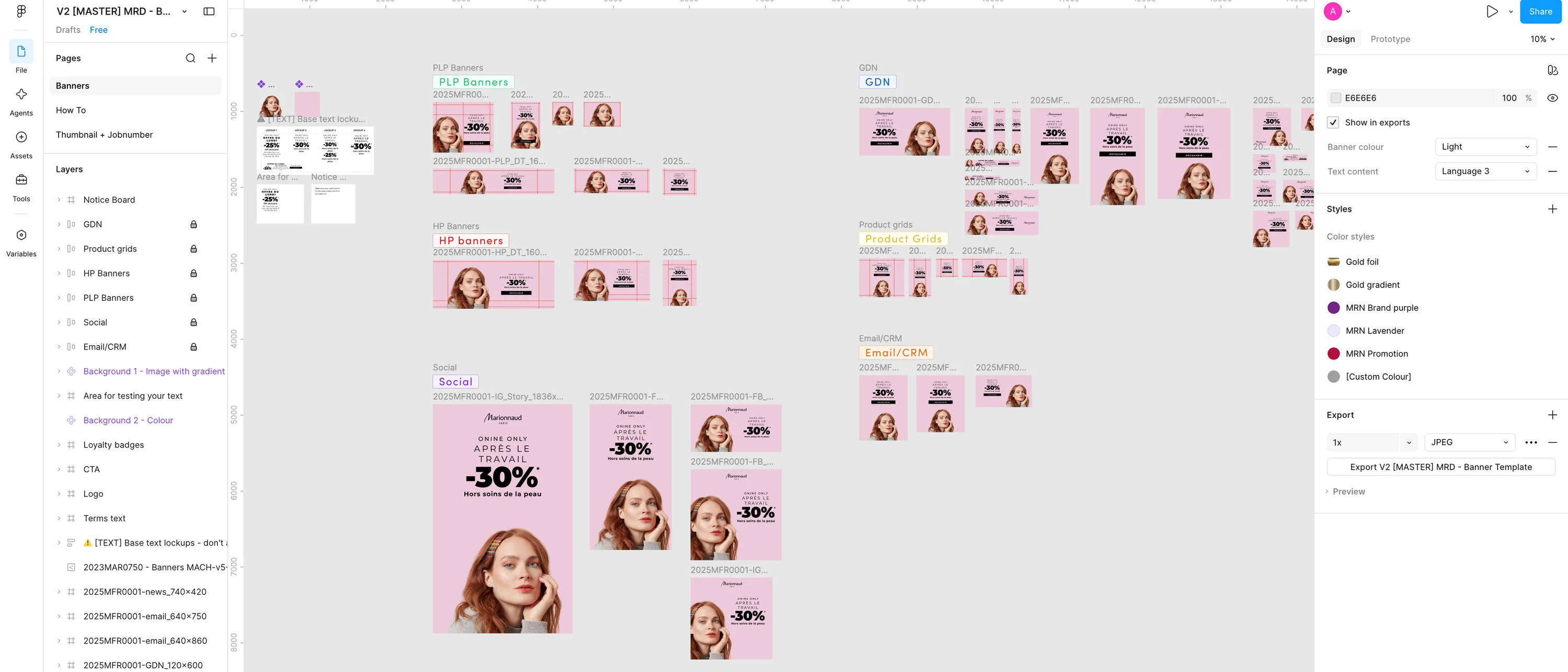
A silent screen recording of the master file: switching a banner set between languages using the variables panel, then flipping the text and button colours between the light and dark options. The system in use, in other words. Nothing loads until you press play.
03 - The saving
I timed it rather than estimated it
I sat and timed it properly, and what I timed was the export specifically, not the whole job. The same banner set, the same languages, exported both ways. Photoshop took between twenty and forty minutes depending on the set. Figma took one to two. File sizes fell from around 230MB to around 4MB, which took the friction out of sharing and versioning as well. Across the team that came to a projected saving of around a quarter of the time previously spent on banner production, and it freed up their machines, which had been more or less unusable while an export was running.
04 - Testing it properly
Trying it out on our own team first
Before it went anywhere near a business unit, I ran training sessions with our own design team and asked them to use it on real jobs. That turned out to be the most useful part of the whole project. It gave me honest feedback from people doing the work every day, and a few rounds of changes came out of it where things were awkward in practice rather than in theory. Once those were sorted, the team moved over to it for their everyday banner work, and the feedback was that it made a genuine difference to how the day felt.
05 - Handing it over
Getting it into the brands' hands
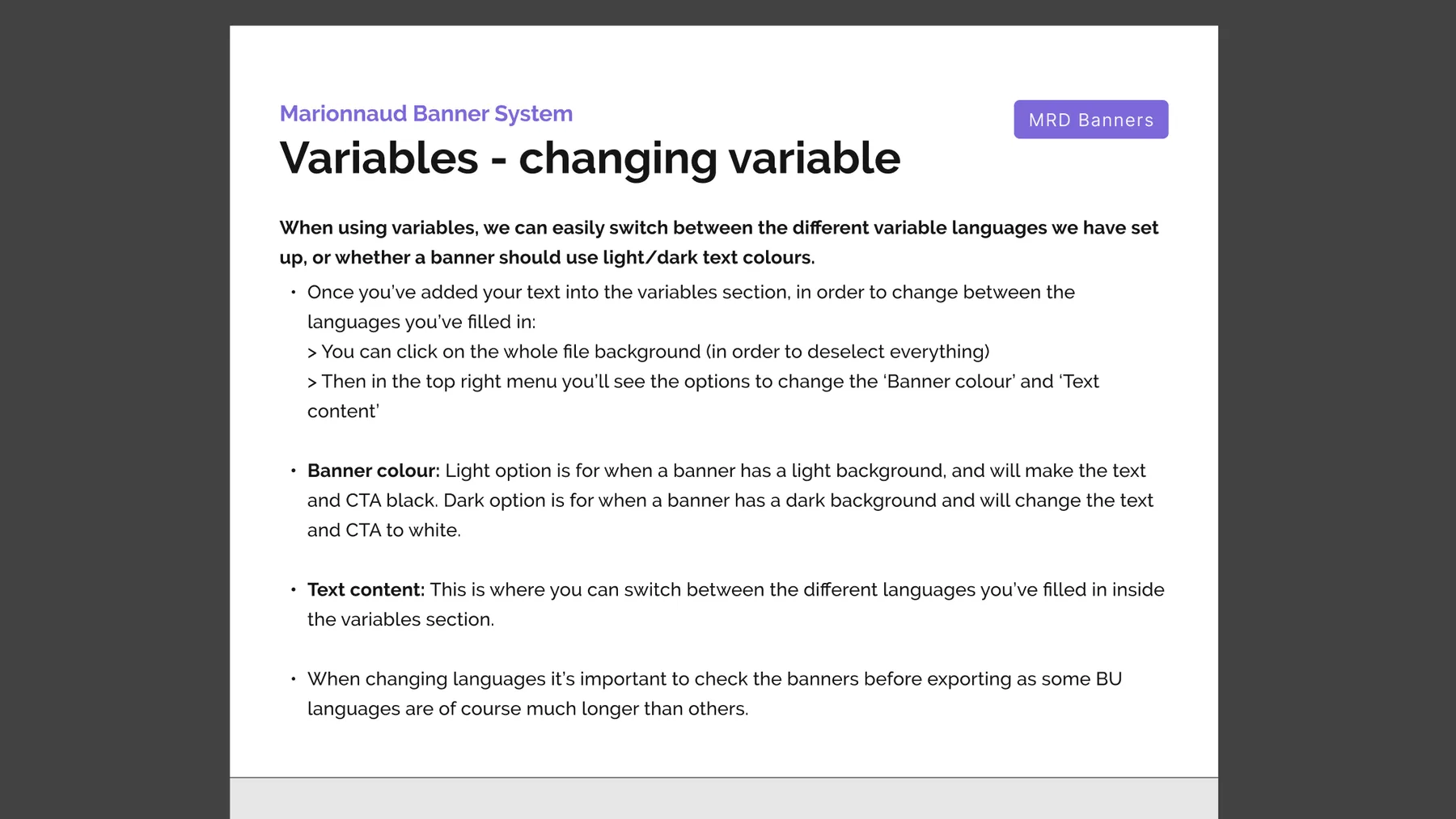
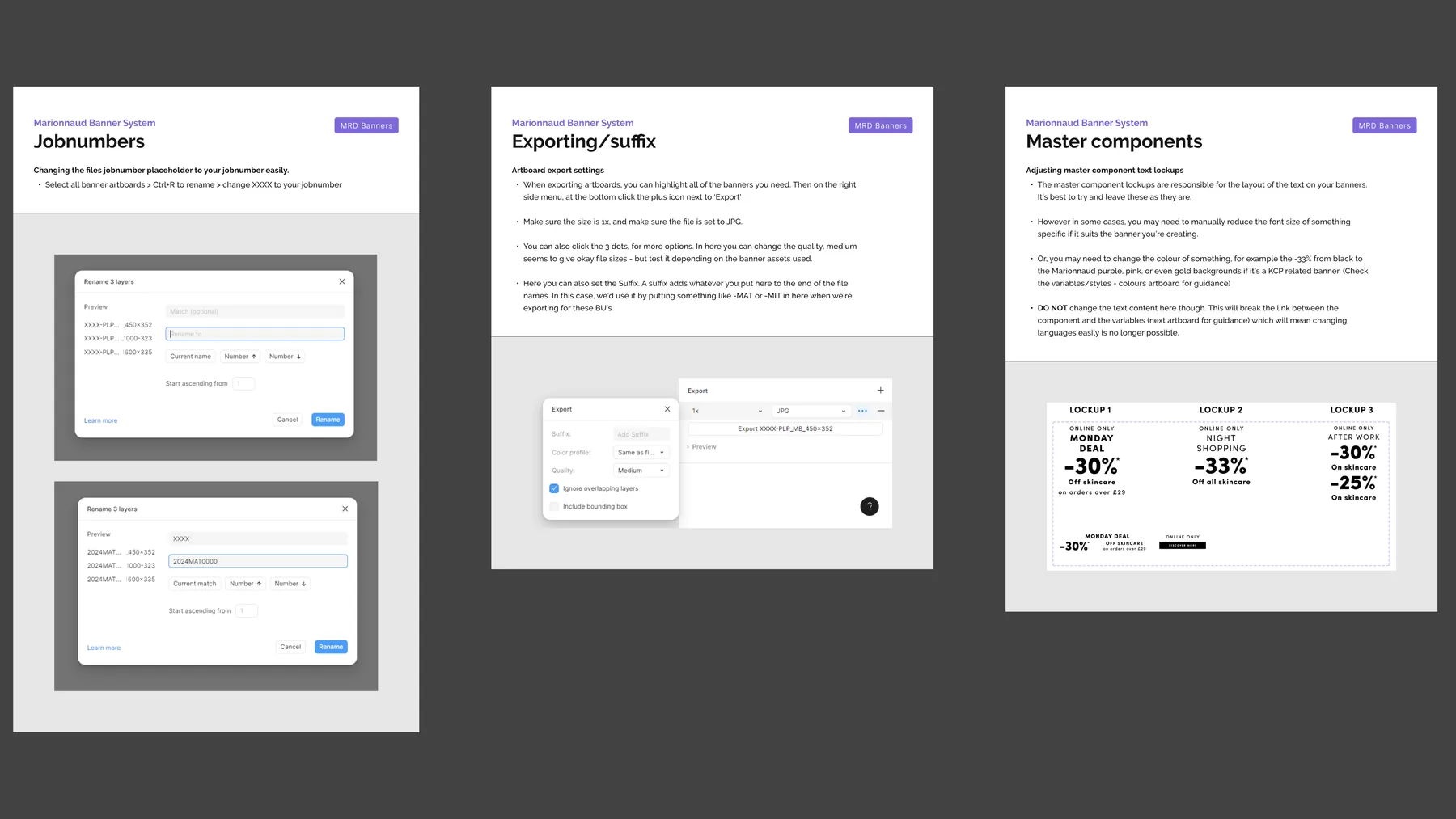
With the concept proven internally, the system went out to the business unit teams. I ran two training sessions with the Marionnaud team about four weeks apart, and wrote how-to guides so they had something to refer back to once we weren't in the room. They took ownership of the files at the end of it, and they've been running their own banner production on the system ever since.